9/12 🔥 Stop What You’re Doing… These Brainbox Features Change Everything
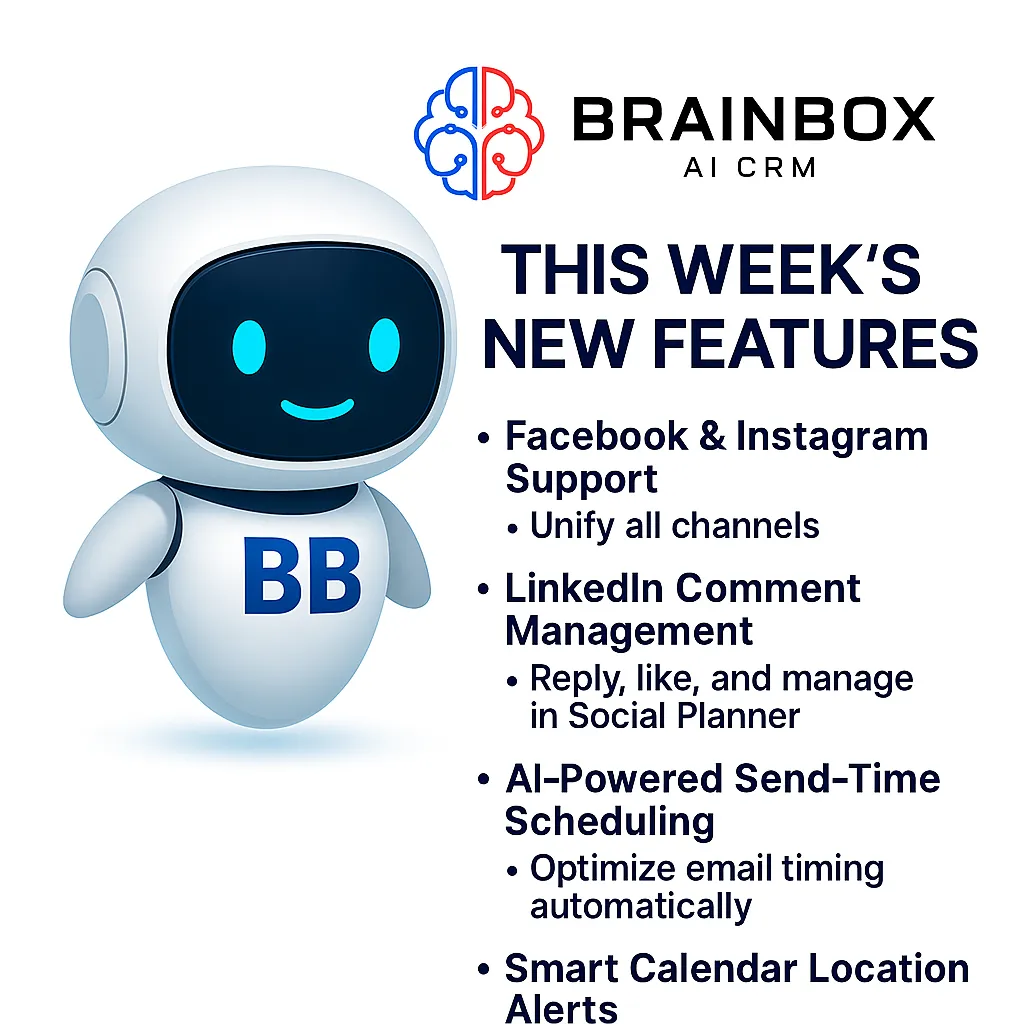
🔥This Weeks🔥
Featured Releases
🔥This Weeks🔥Featured Releases
Brainbox continues to roll out upgrades that strengthen how you communicate with customers, manage your socials, automate outreach and present your content. Here’s a breakdown of what’s new and how you can use it right away.
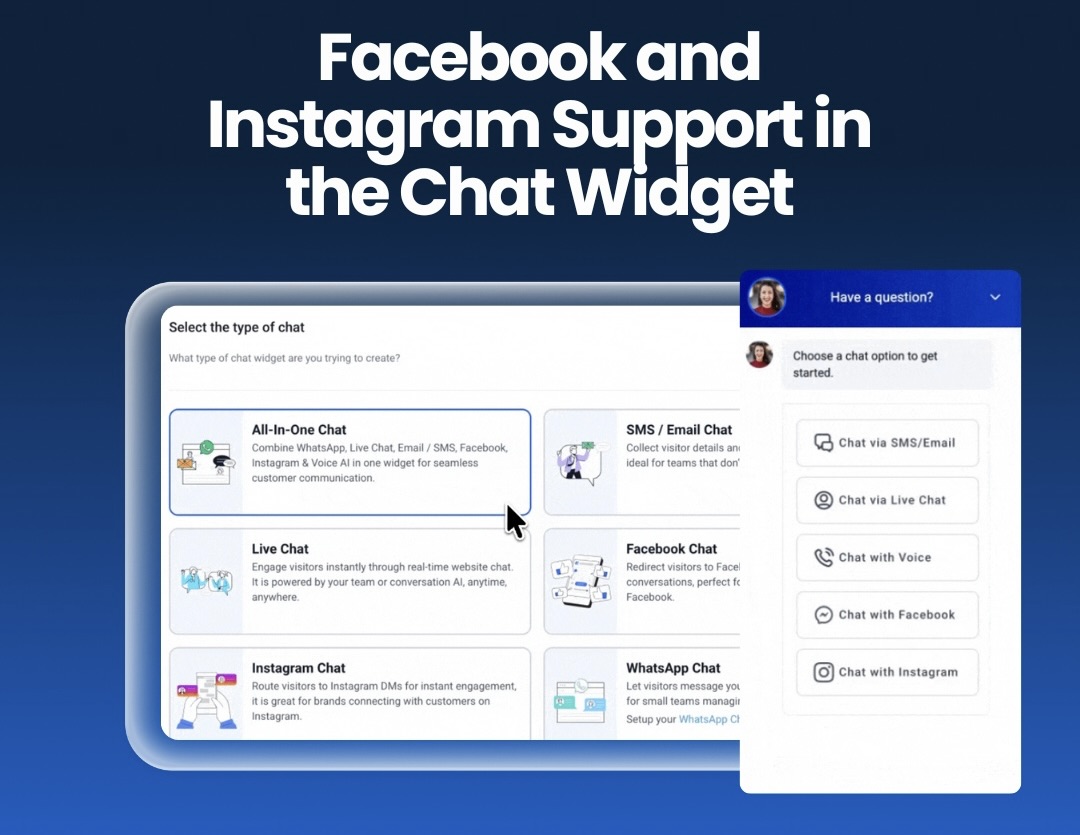
Facebook & Instagram Support in the Brainbox Chat Widget
You can now connect Facebook and Instagram directly into the Brainbox chat widget, giving you a single place to handle conversations from your website and your socials.
What this means for you:
You choose the channels you want visible on your site, so your chat widget matches the way your business works. Visitors can message through the channel they prefer — social, chat or voice — without leaving your website.
Key points:
Add Facebook, Instagram, Voice AI and standard chat into one widget
Pick the channels you want active
Keep the look and feel consistent with your brand
Give customers a simple entry point into your business
By unifying everything inside the Brainbox chat flow, you remove friction and guide conversations straight into your CRM, ready for replies, automation and follow-up.
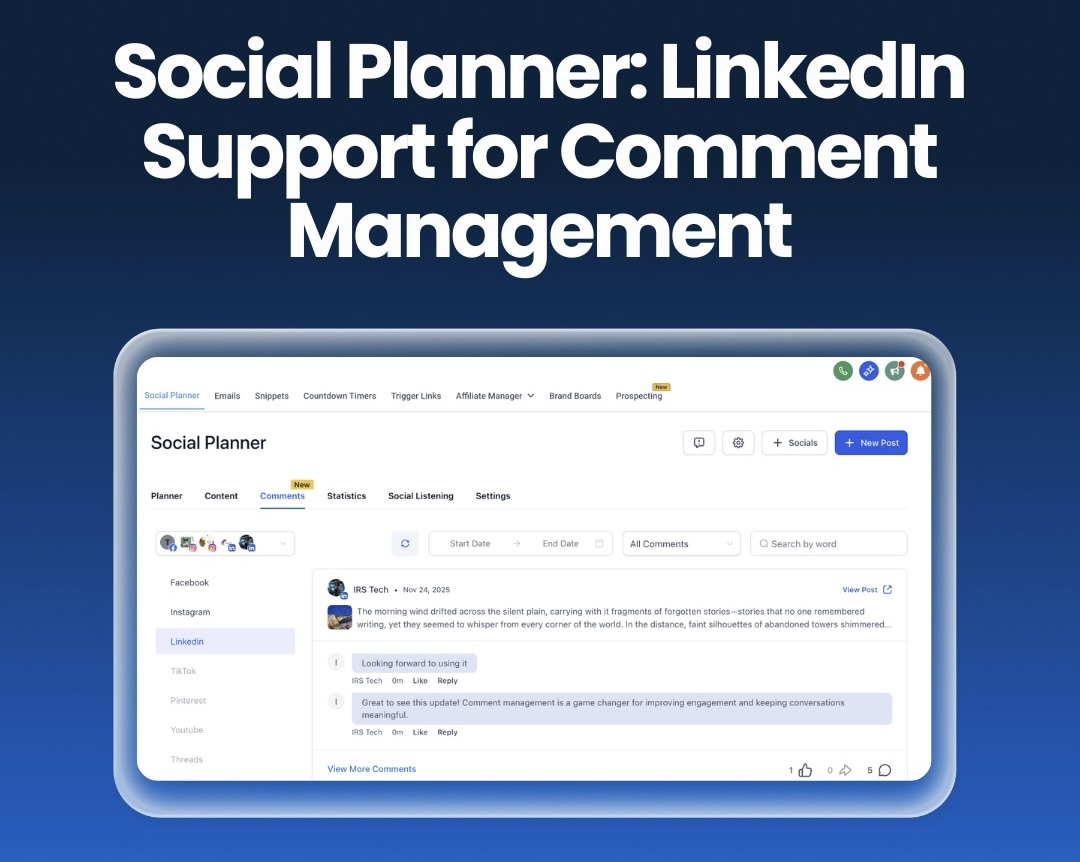
Social Planner: LinkedIn Comment Management
LinkedIn comments now sit inside the Social Planner alongside Facebook and Instagram. You no longer need to switch platforms to keep up with engagement.
What you can do inside Brainbox:
View all LinkedIn comments
Reply instantly
Like comments
Track and manage conversation threads
This brings full LinkedIn engagement into one dashboard. Your team stays on top of activity, keeps messaging consistent and responds faster — all without jumping between apps.
It also helps you monitor sentiment, follow up on leads and maintain a stronger brand presence across your main social channels.
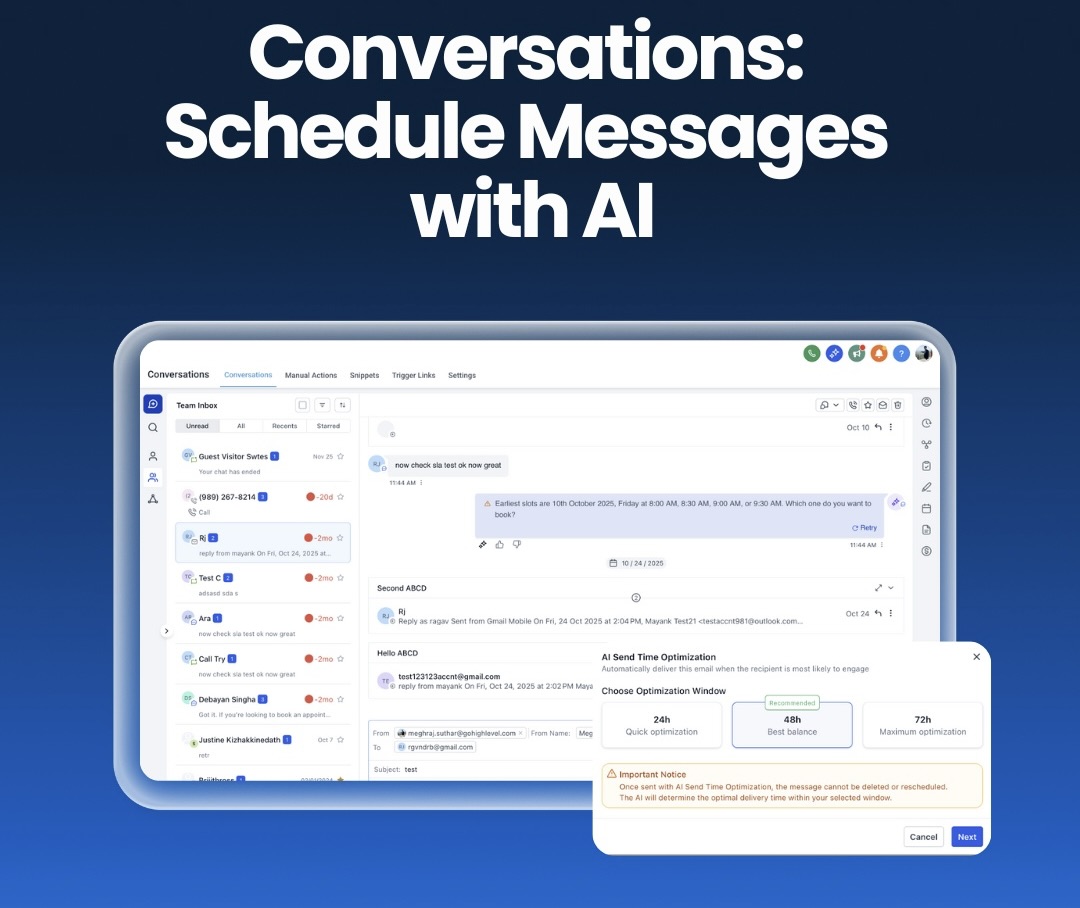
Conversations: AI-Powered Send-Time Scheduling
AI Schedule now analyses real engagement behaviour and picks the best time to send each email.
Why this matters:
Your emails land when your audience is most active. No more guessing, and no more checking dozens of analytics reports to work out patterns.
Benefits:
Higher open rates
More replies and clicks
Smarter timing based on real user behaviour
Less manual scheduling
AI handles the optimisation, and you focus on the message. It’s one of the simplest ways to improve email performance across the board.
Calendars: Smart Alerts for Missing Meeting Locations
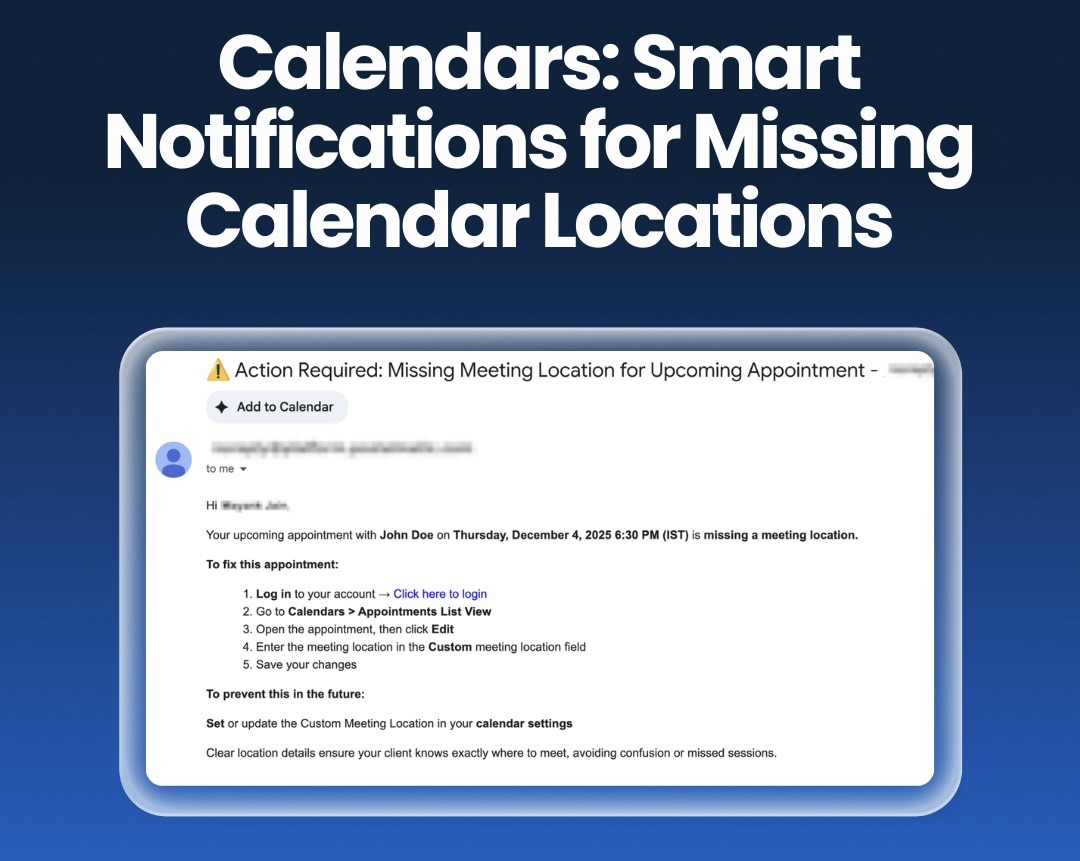
Brainbox now sends a notification when an appointment is created without a location or meeting link.
This saves you from the classic “Where do I join?” moments and stops missed calls before they happen.
How it helps you:
Spot broken or missing links right away
Reduce no-shows
Keep schedules accurate
Set custom alert rules so only the right people get notified
It’s a small upgrade that removes a lot of frustration for you and your clients.
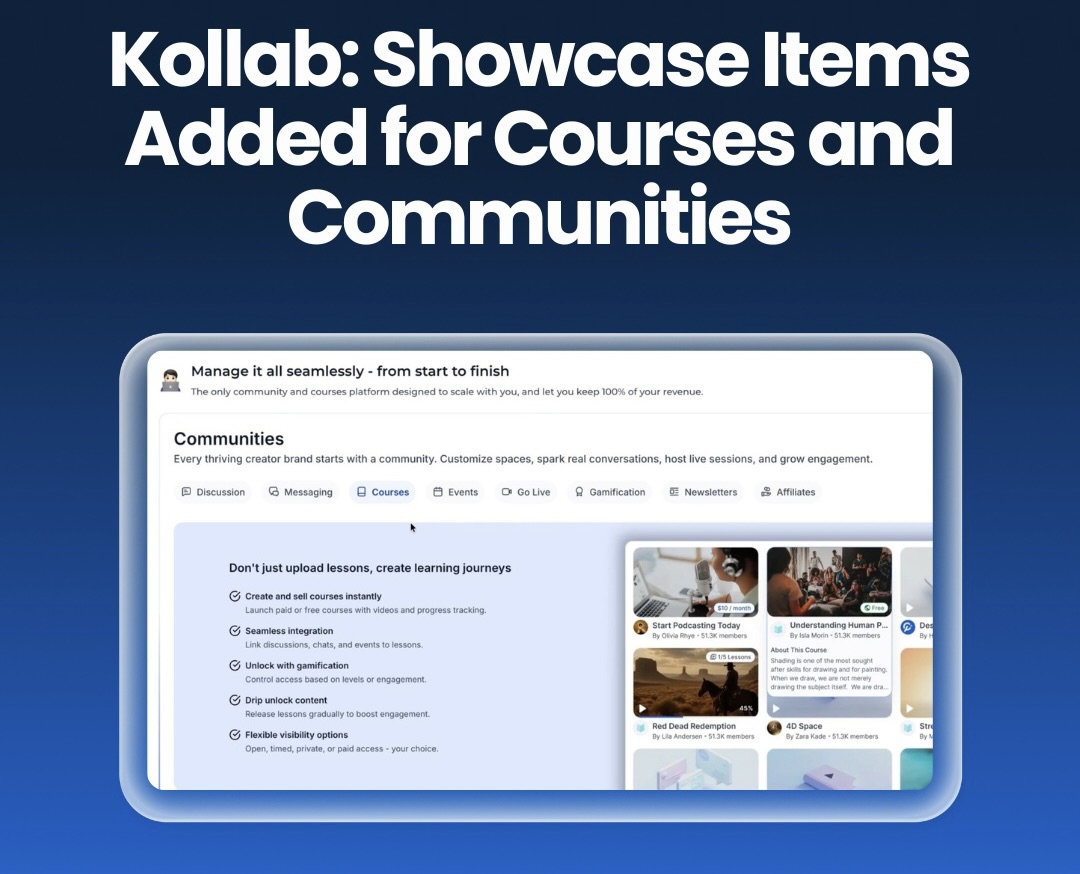
Kollab: New Showcase Items for Courses & Communities
Kollab now includes Showcase Items — visual cards that highlight your courses, communities and key areas of value.
These items give your pages a cleaner layout and make it easier for visitors to find what you offer.
What’s improved:
Visual cards for better presentation
Stronger SEO from structured information
Faster content discovery
More professional first impressions
If you sell training, run a community or manage learning material, this upgrade gives your content more visibility and makes it easier to convert visitors into members.