14/4/26 New Brainbox Features
🔥 This Week’s New Brainbox Features & Updates
💻
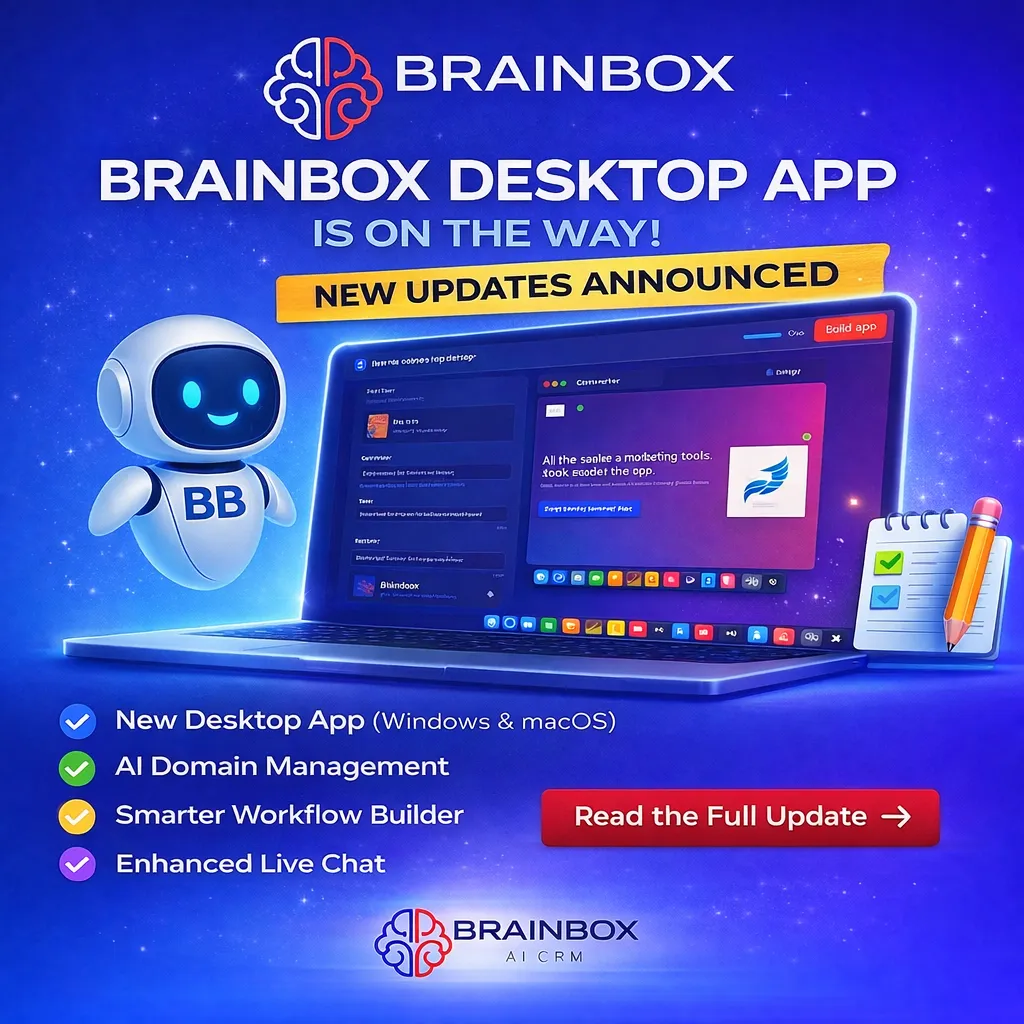
New Brainbox Desktop App (Coming Soon)
A brand new Brainbox desktop app is on the way for Windows, macOS and Linux.
This gives you a dedicated workspace to run your entire Brainbox system without relying on browser tabs.
You’ll get faster performance, fewer interruptions and native notifications directly from your desktop.
Everything is in one place — CRM, marketing, workflows and AI tools — making day-to-day work smoother and more focused.
🌐
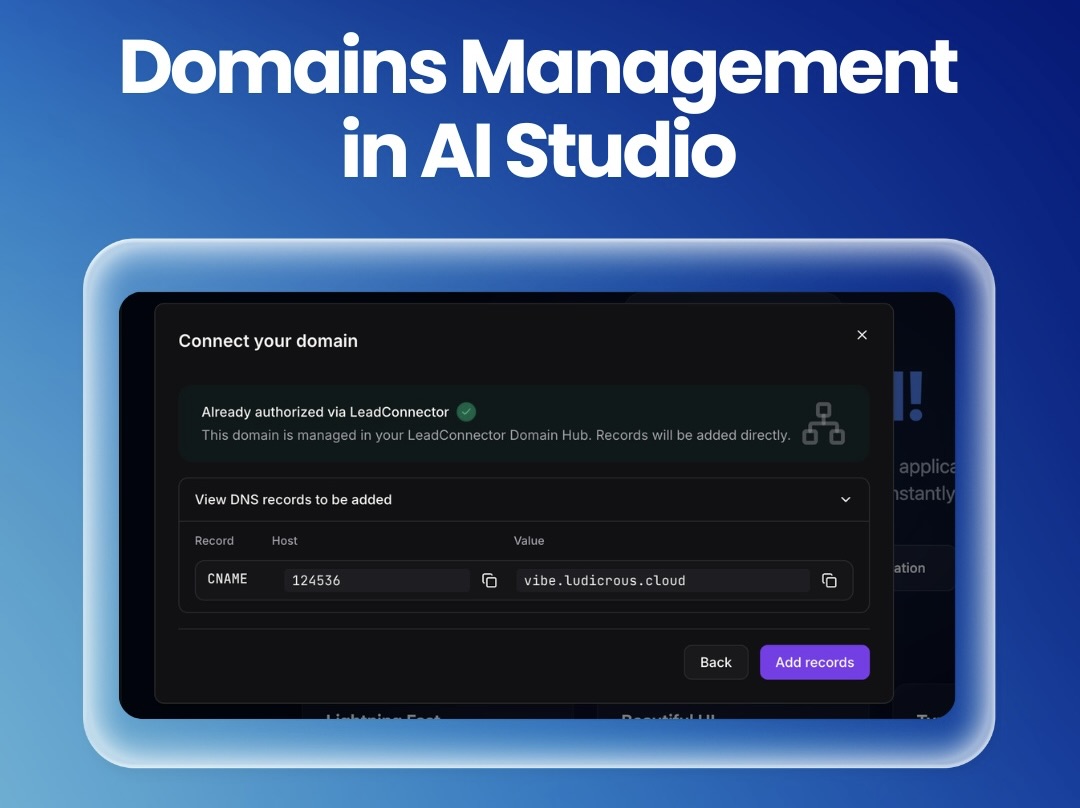
AI Studio: Smarter Domain Management
Connecting domains inside AI Studio is now far simpler.
The new guided setup walks you through the process step by step, detects existing domains automatically and flags any DNS conflicts before they cause issues.
You’ll know exactly what needs changing, with clear instructions throughout.
This removes confusion and helps you get domains connected quickly without trial and error.
🤖
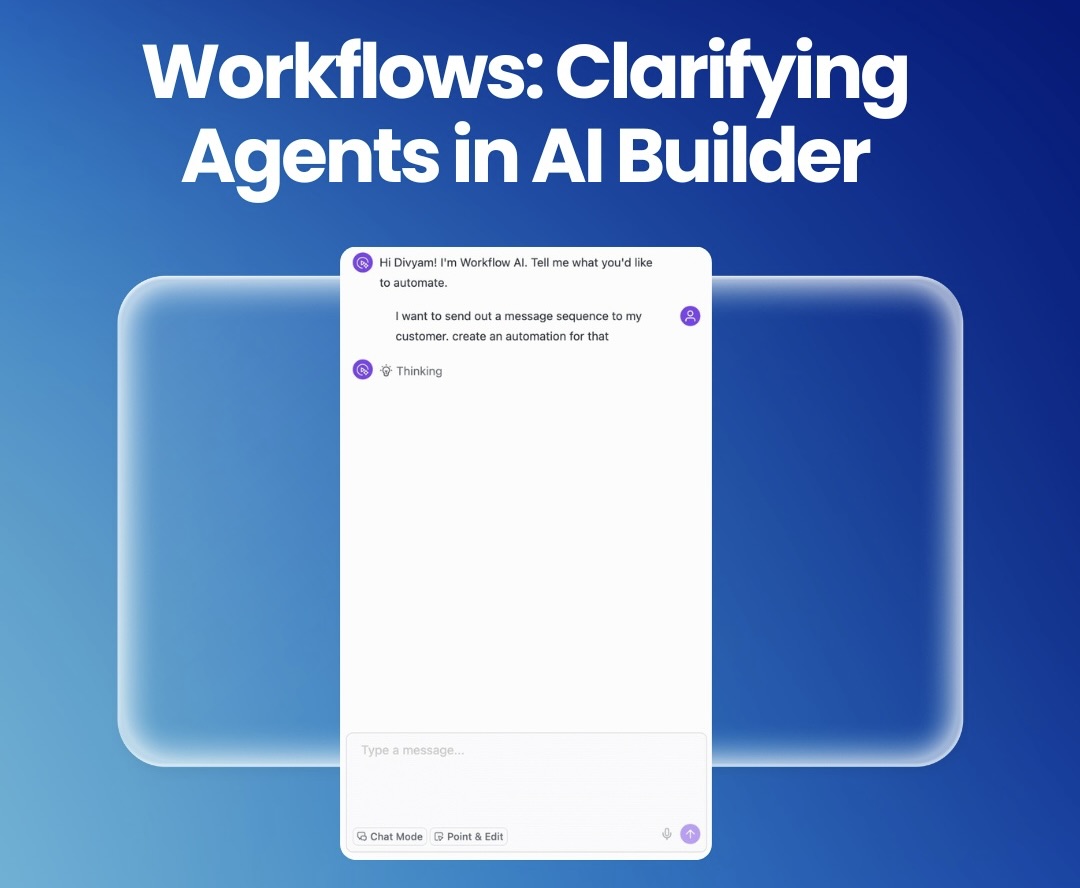
Workflows: AI Builder with Clarifying Questions
AI Builder now asks questions before building your workflows.
If key details are missing, it pauses and prompts you with simple options so it doesn’t guess triggers, channels or timing.
You get a more accurate workflow from the start, with fewer fixes needed after.
This saves time and avoids the usual back-and-forth when building automations.
💬
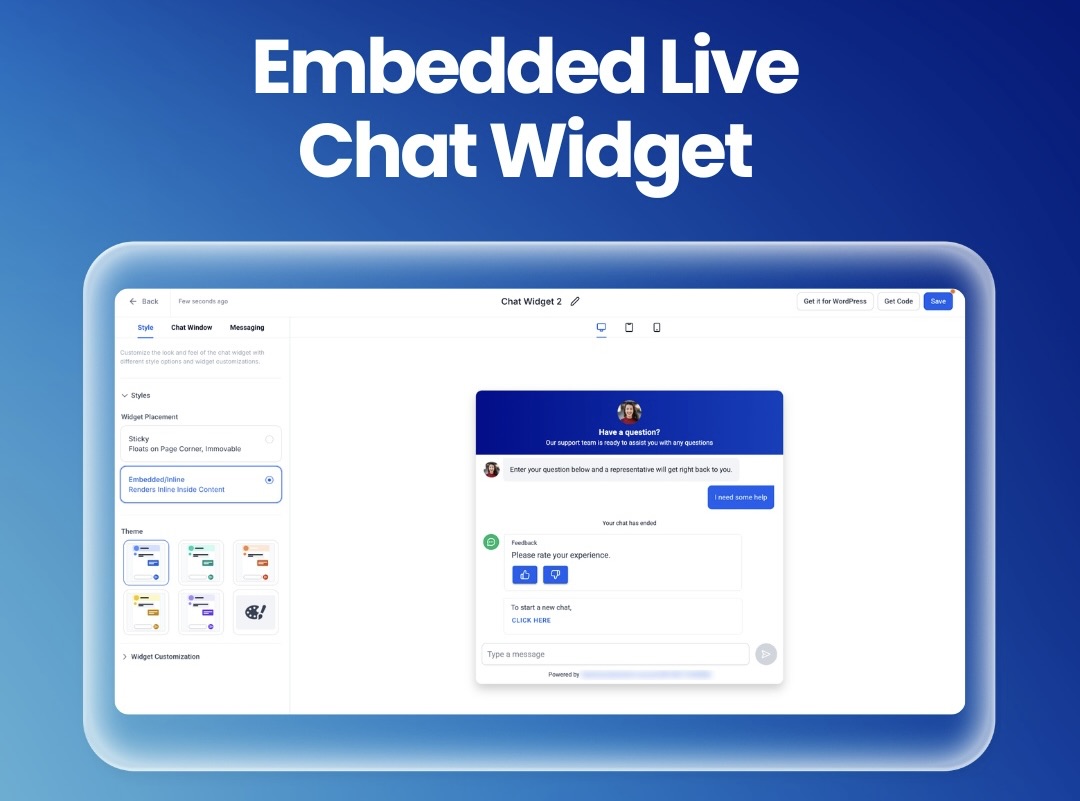
Embedded Live Chat Widget
You can now place your Live Chat directly inside your pages.
Instead of floating in the corner, chat can sit alongside your key content like forms, pricing or call-to-action sections.
This makes conversations feel more natural and increases the chances of engagement at the right moment.
Fully responsive and easy to drop into any funnel or website.
📊
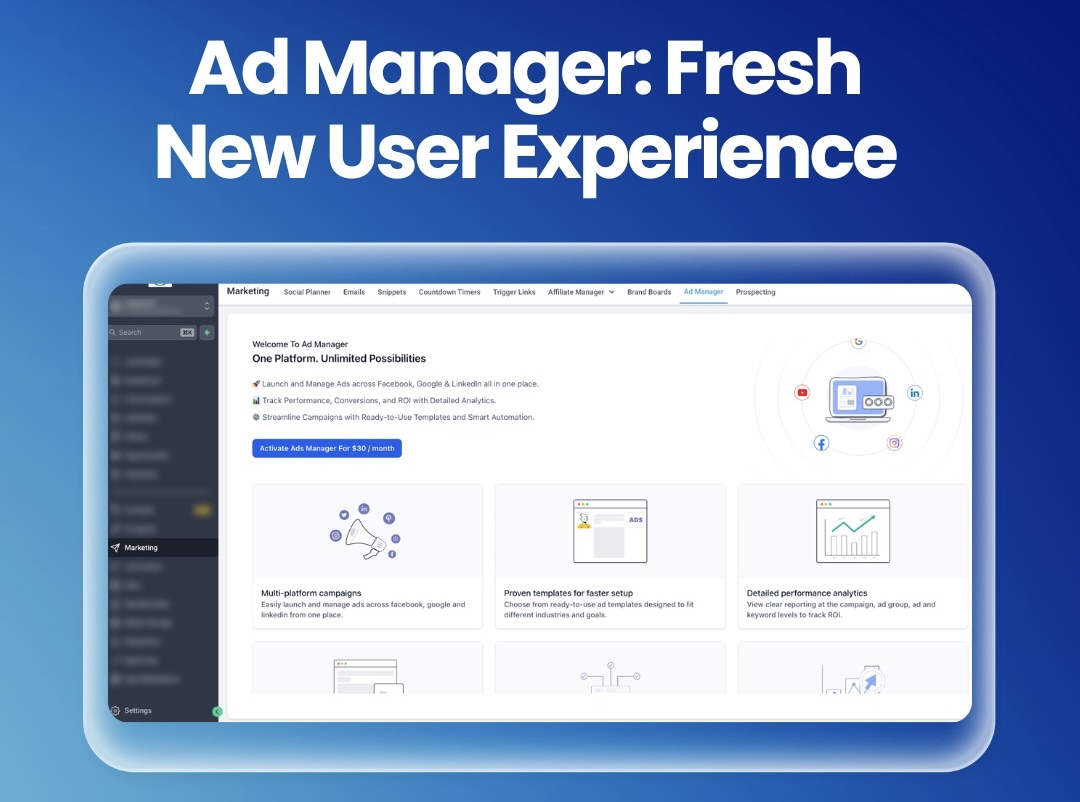
Ad Manager: New User Experience
Ad Manager has been completely redesigned.
The new layout is cleaner, easier to follow and built around a simple step-by-step flow.
You can create, review and launch campaigns faster, with better visibility of performance along the way.
Fewer errors, quicker setup and a much smoother experience overall.
📈
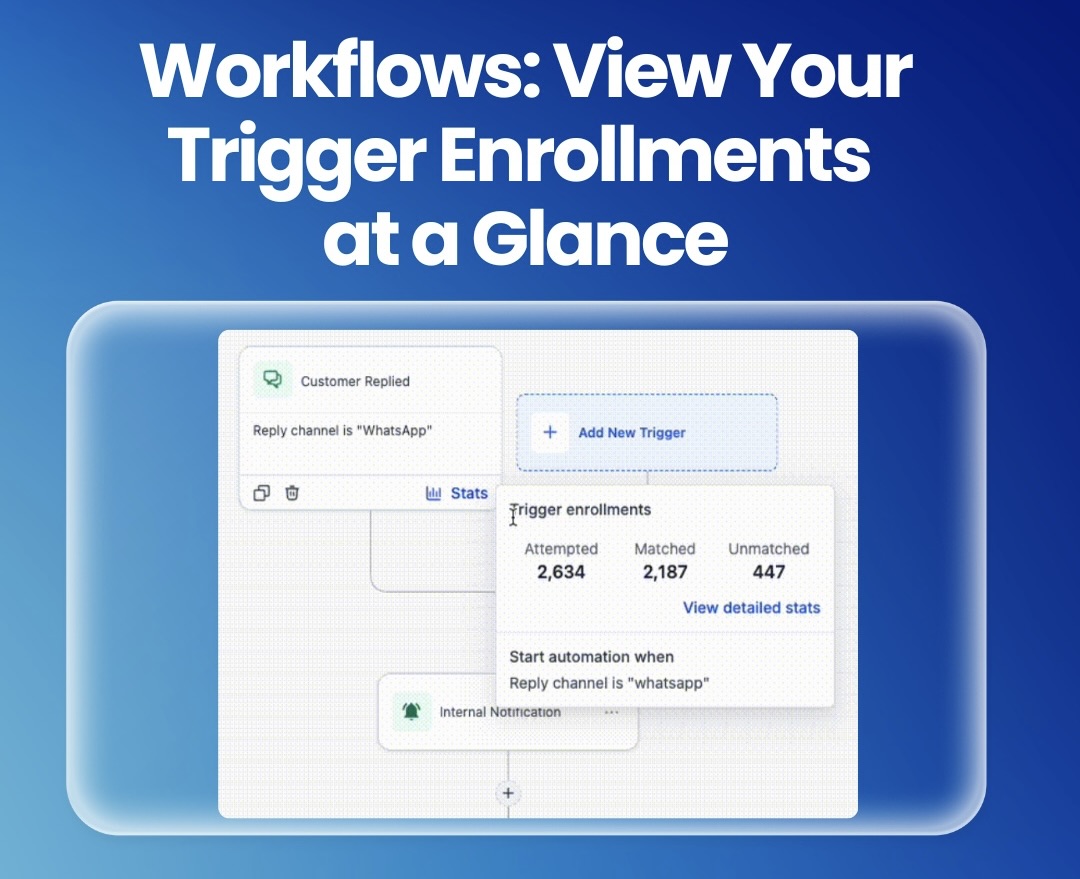
Workflows: Trigger Stats at a Glance
You can now see how your workflow triggers are performing instantly.
View how many contacts were matched, missed or attempted directly inside the workflow builder.
You can also drill down into details to find issues quickly.
This makes troubleshooting and optimisation much faster without leaving your workflow.
🧠
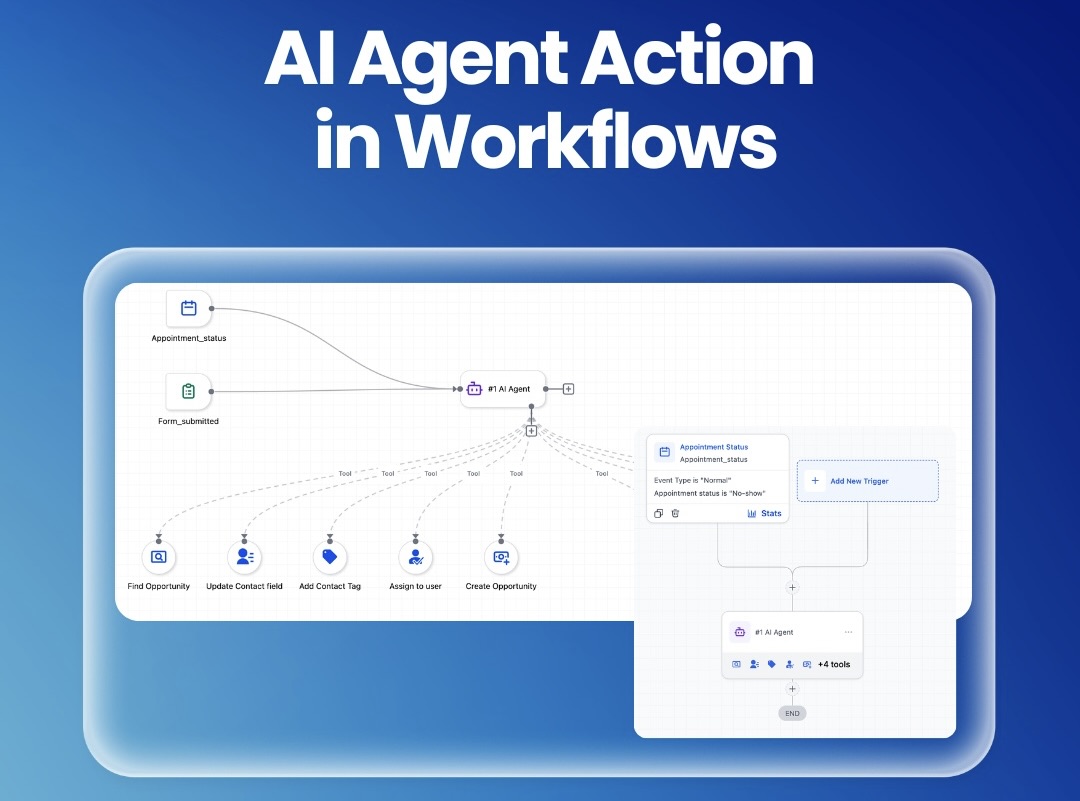
AI Agent Action in Workflows
Workflows now include a powerful AI Agent step.
Instead of building complex logic manually, you can describe the goal and let AI handle the decision-making.
It can analyse context, choose actions and adapt in real time.
This reduces setup time and makes automations far more flexible and intelligent.
🔁
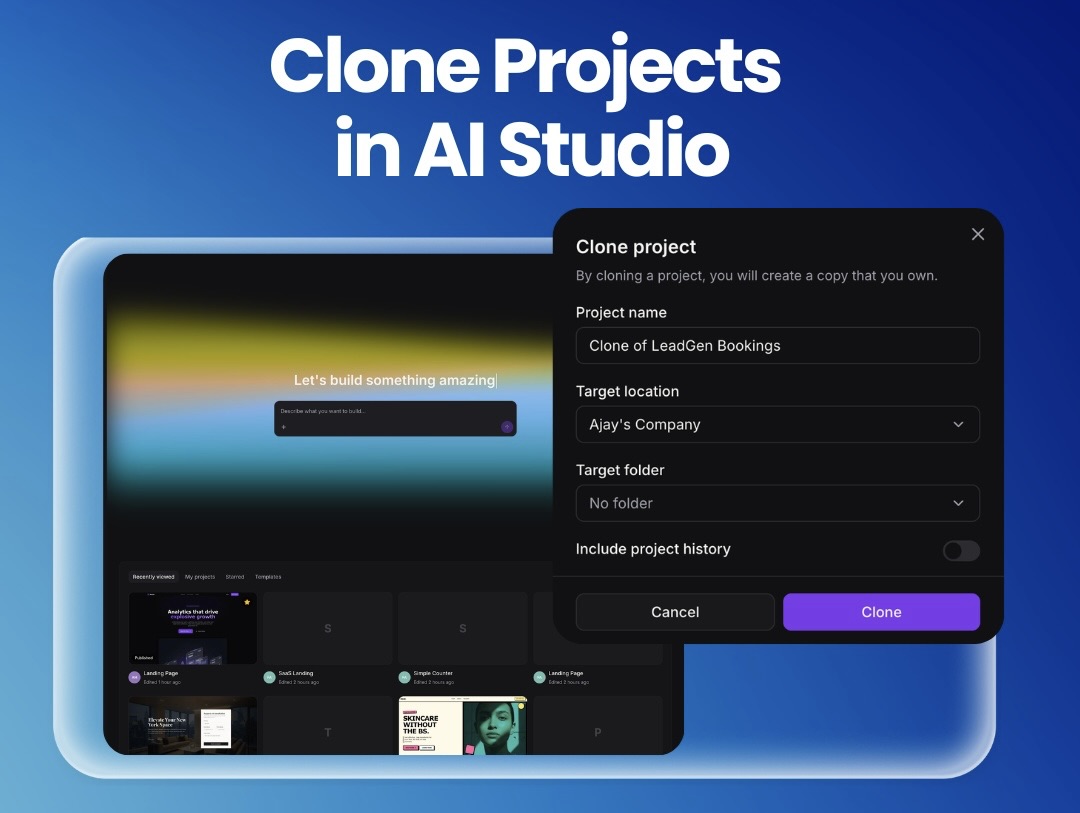
Clone Projects in AI Studio
You can now clone AI Studio projects instantly.
Copy projects within or across accounts, choose where they go and decide whether to include history or start fresh.
Perfect for reusing winning setups and rolling them out across clients.
This saves hours of rebuilding and keeps your best work scalable.
📱
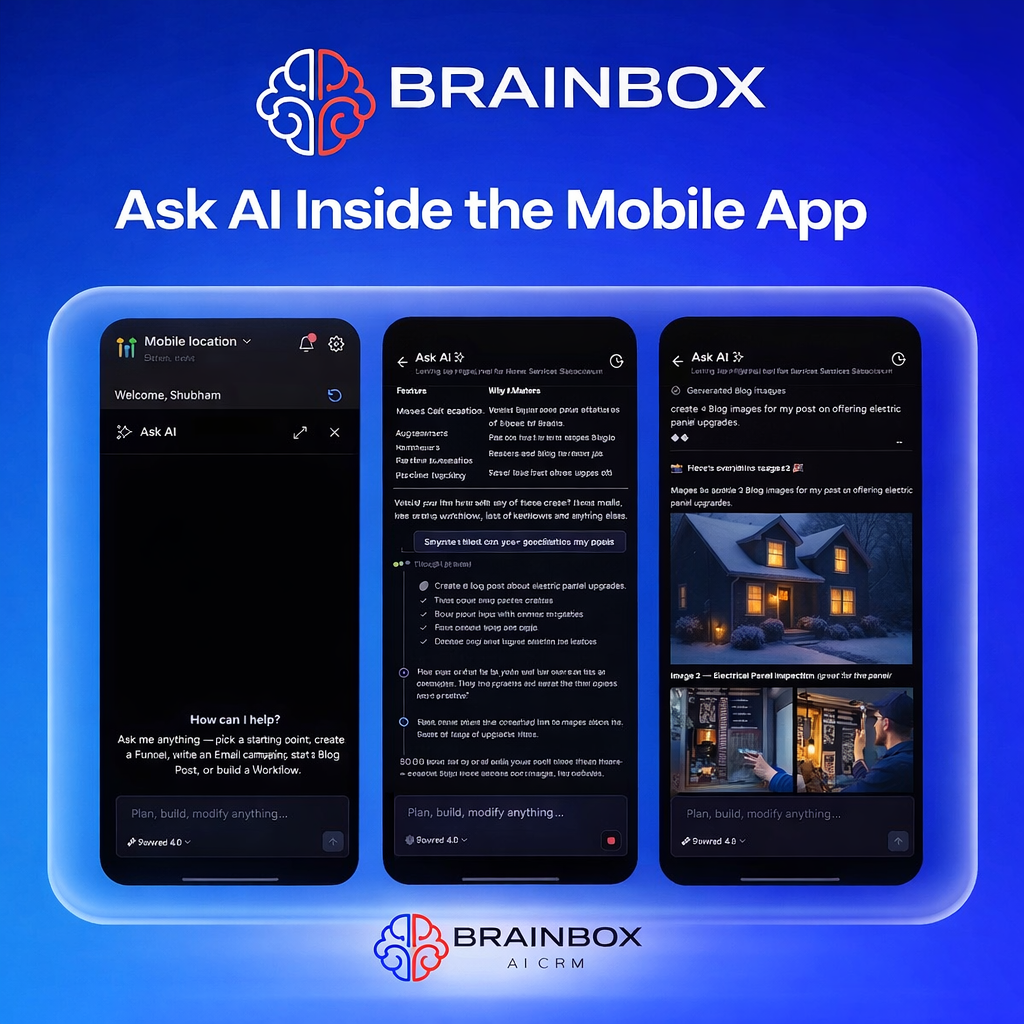
Ask AI on Mobile App
“Ask AI” is now built directly into the Brainbox Leadconnector mobile app.
You can create content, trigger actions, get support and manage tasks from a single AI chat while on the go.
It’s like having a full Brainbox assistant in your pocket.
🧾
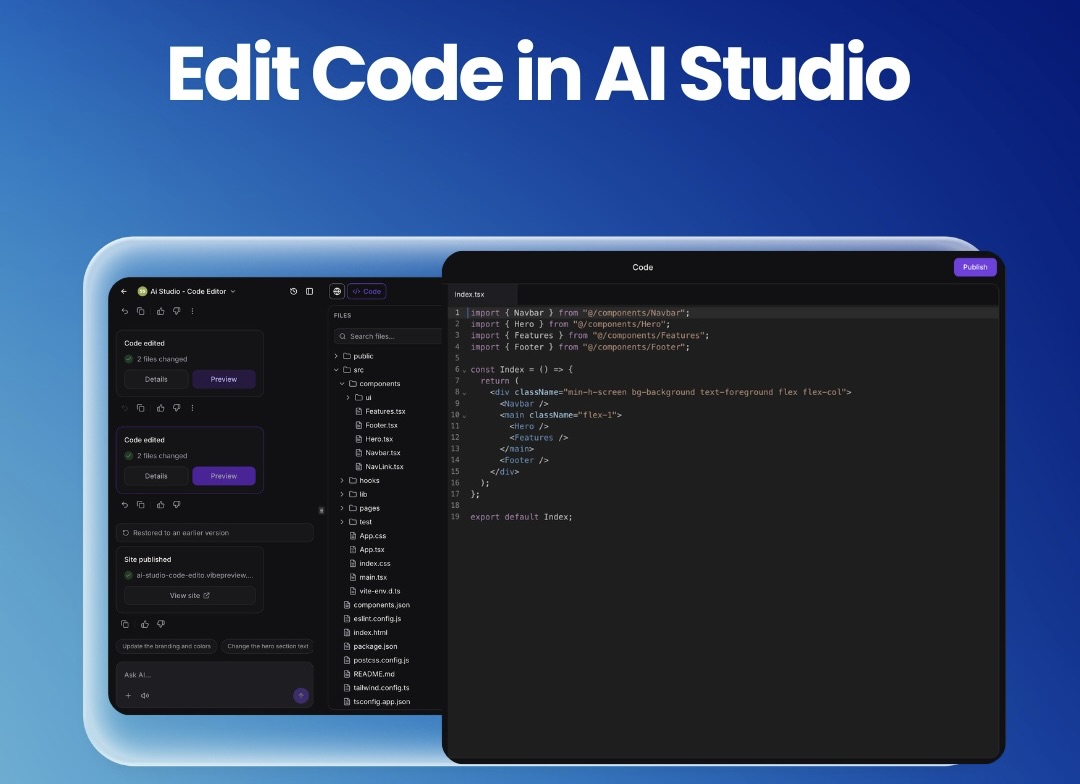
Edit Code in AI Studio
You can now edit website code directly inside AI Studio.
Make changes in real time, see instant previews and fix errors as you go.
Version history and rollback options keep everything safe and controlled.
This gives you full flexibility without needing external tools.