11/5/26 New Brainbox Features
🧠 This Week’s New Brainbox Features & Updates
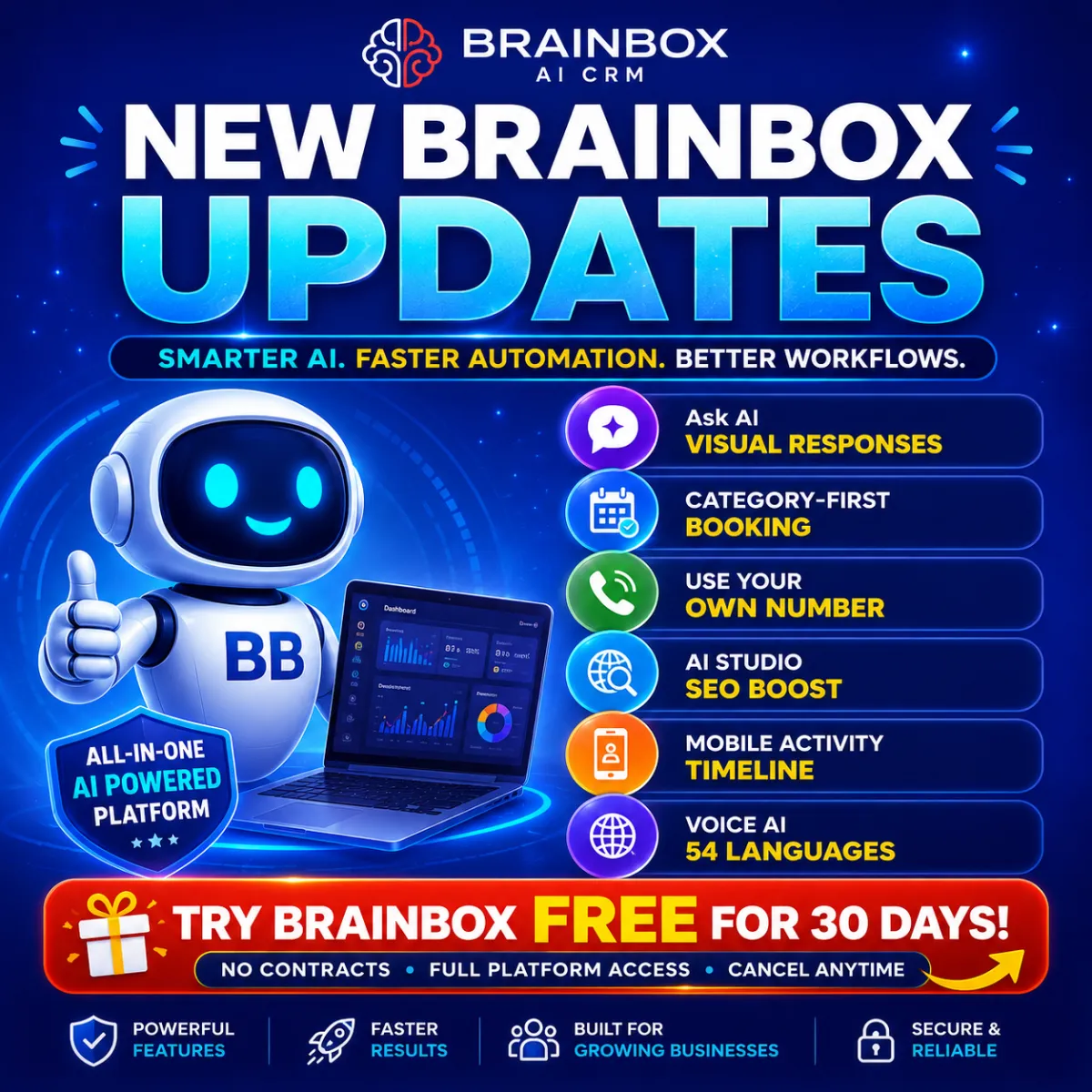
🤖 Ask AI Upgrade: Richer, Smarter & Visual Responses
Ask AI has had a major upgrade and now delivers far more than simple text replies.
Responses can now include structured outputs, visual diagrams and execution-ready plans to help you move from idea to action much faster. Diagram support has also been added directly into chat, giving you interactive visuals without needing external tools.
The whole experience feels smoother, cleaner and more intelligent, especially for longer conversations and detailed workflows.
This turns Ask AI into a far more practical business assistant for planning, strategy and execution inside Brainbox.
📅 Category-First Booking for Services V2
Booking services just became much easier for customers.
Instead of showing one long list of services, customers can now choose a category first and then browse only the relevant options inside that category.
This creates a cleaner booking experience, reduces confusion and makes multi-service bookings feel far more natural.
Businesses can also keep the existing booking flow if they prefer, giving full flexibility over how appointments are presented.
📞 Make Voice Calls with Your Existing Number
You can now make voice calls directly inside Brainbox using a number you already own.
There’s no need to buy a separate system number first. Simply connect your existing number and start making calls immediately while keeping your current caller ID consistent.
This makes setup quicker and creates a smoother experience for teams managing sales and support calls.
🌐 AI Studio: Pre-Render SEO for Published Sites
AI Studio websites now include automatic pre-render SEO optimisation.
Search engines, social platforms and AI search tools can now instantly read fully rendered versions of your pages instead of struggling with empty shells or delayed loading content.
The result:
Faster indexingBetter social previewsImproved AI discoveryStronger SEO visibility
All without extra setup.
📱 Contacts: Activity Timeline on Mobile
You can now see a complete activity timeline directly inside contact profiles on mobile.
Calls, appointments, form submissions and other interactions are all displayed in one chronological feed, giving you full context wherever you are.
This makes follow-ups much faster and removes the need to jump between screens trying to piece conversations together.
⏰ Custom Date Reminders Expanded
Custom Date Reminders are now far more powerful.
You can now trigger reminders and automations using:
OpportunitiesCompaniesCustom ObjectsContact dates
This removes the old contact-only limitation and makes it much easier to automate renewals, expiry reminders, internal alerts and follow-up campaigns based on real business activity.
🔗 Voice AI: Custom Action 2.0
Voice AI integrations just became dramatically more advanced.
Custom Action 2.0 introduces:
Full HTTP supportBuilt-in authenticationEasier API connectionsA cleaner setup interface
This makes connecting Voice AI to external systems and automations much simpler while giving developers and agencies far more flexibility.
🌍 Voice AI: 22 New Languages & Voice Model Controls
Voice AI now supports 54 languages in total, opening the door to far more global deployments.
You can also now choose different voice models depending on:
qualityresponse speedcall costs
The system automatically filters compatible voices for each language, making setup faster and reducing confusion when building multilingual AI agents.