1/2/26 New Brainbox Features - Copy - Copy
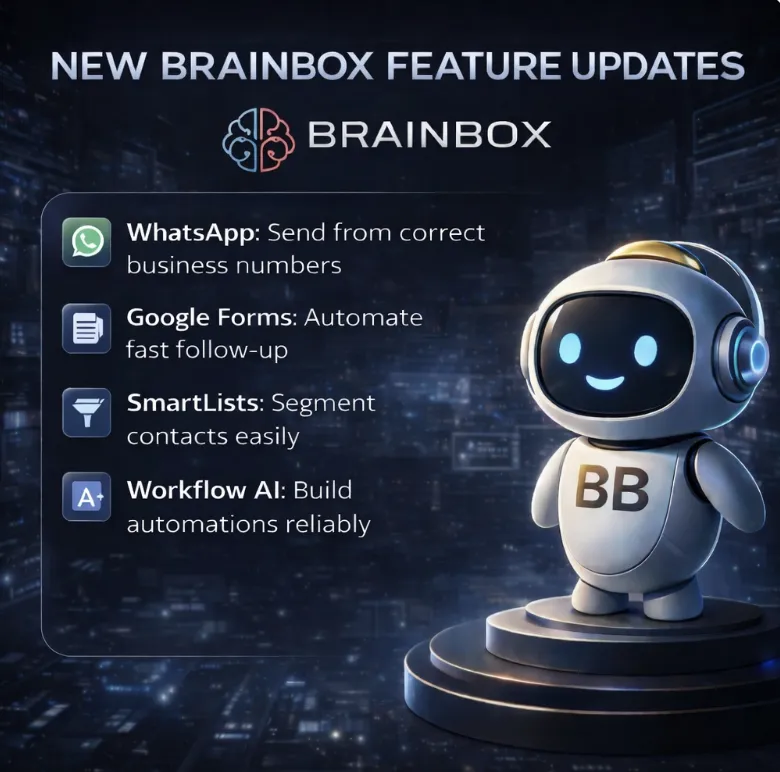
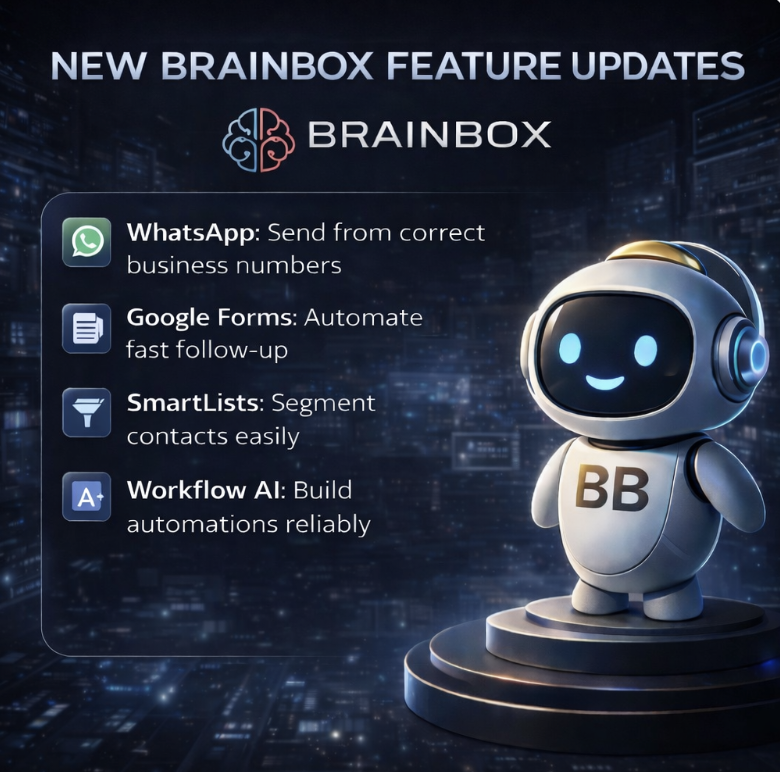
🔥 Brainbox Weekly Updates – What’s New This Week
Hi {{contact.first_name}},
We share weekly Brainbox updates, but we’ve heard the feedback:
“It sounds good… but what does this actually mean for my business?”
This post breaks down the latest updates inreal-world terms, using everyday business scenarios.
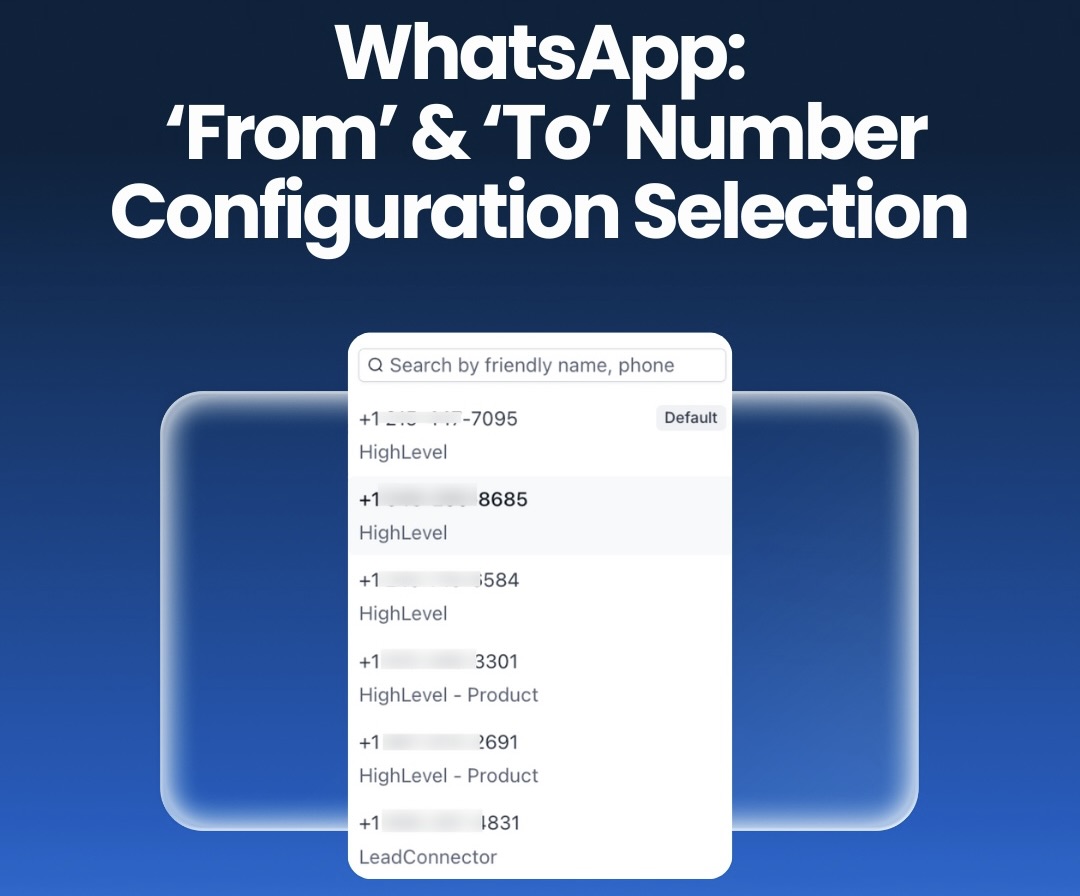
WhatsApp: Correct ‘From’ & ‘To’ Number Selection
Brainbox now automatically sends WhatsApp messages from thecorrect business number, every time.
This sounds small, but it fixes a common problem for businesses running multiple WhatsApp numbers — different brands, locations, sales vs support, or shared inboxes.
Previously, messages could sometimes go out from the wrong number. That causes confusion, looks unprofessional, and can create compliance issues.
Now:
Brainbox locks the right number to the conversation
Messages always come from the correct business identity
Your team doesn’t have to think about it
It’s one of those updates you don’t notice much — until you realise the problems it quietly removes.
Workflows: Google Forms Triggers & Actions
Google Forms now connectsdirectly into Brainbox workflows, without Zapier or third-party tools.
If you already use Google Forms for enquiries, applications, surveys or internal requests, this makes a big difference.
Form submissions can now:
Create or update contacts
Trigger emails or SMS
Assign tasks
Start automations instantly
Everything happens inside Brainbox, with no delays and no extra software.
This turns Google Forms into a proper entry point for your CRM instead of a disconnected data collector.

Contacts: New List View & SmartLists 2.0
Contacts and SmartLists have been rebuilt into a single, cleaner system.
The aim here is simple: make it faster to find, segment and work with contacts at scale.
You can now:
Filter contacts more precisely
Build better segments
Share lists with your team safely
Manage data without jumping between views
If you’re running campaigns, follow-ups or sales activity, this saves time every single day.

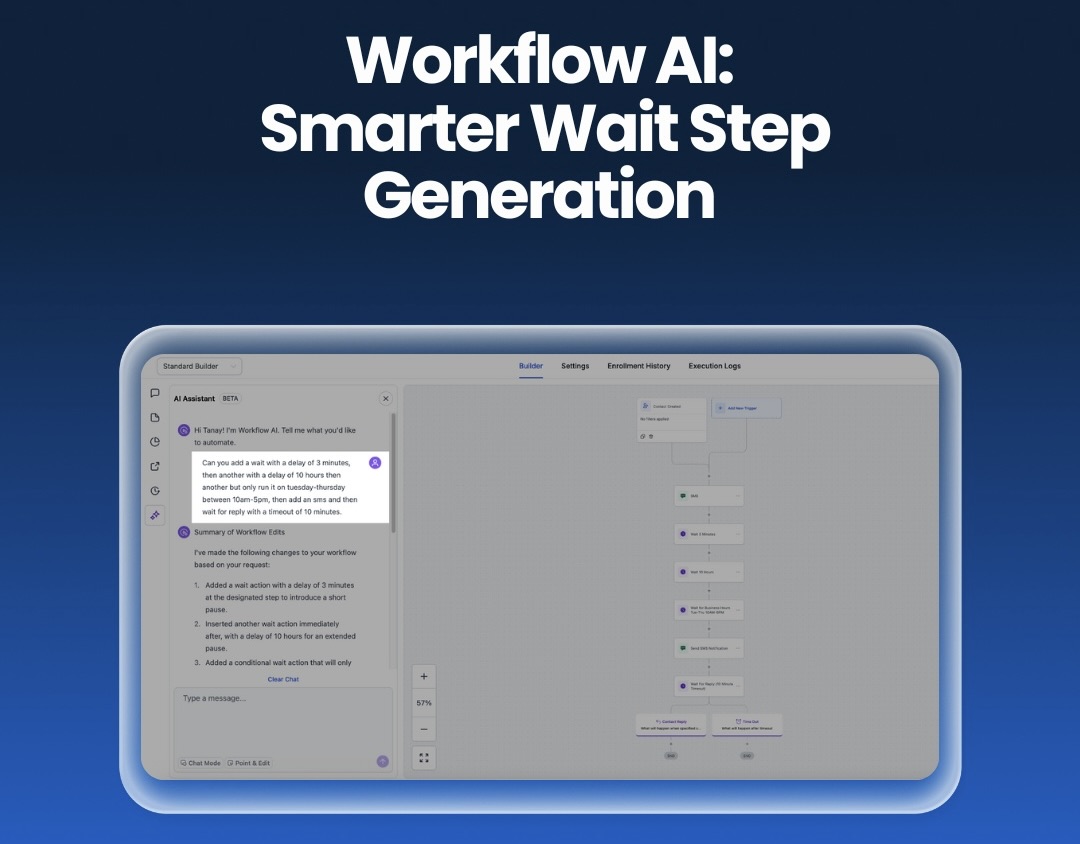
Workflow AI: Smarter Wait Steps
AI-built workflows now handletime delays and wait stepsmore reliably.
This matters because waits are where automations usually break:
Wrong delay lengths
Steps firing too early or too late
Complex sequences behaving unpredictably
AI now understands multi-step timing instructions properly and builds them in a safer, more predictable way.
The result is workflows you can trust without constantly checking and fixing them.
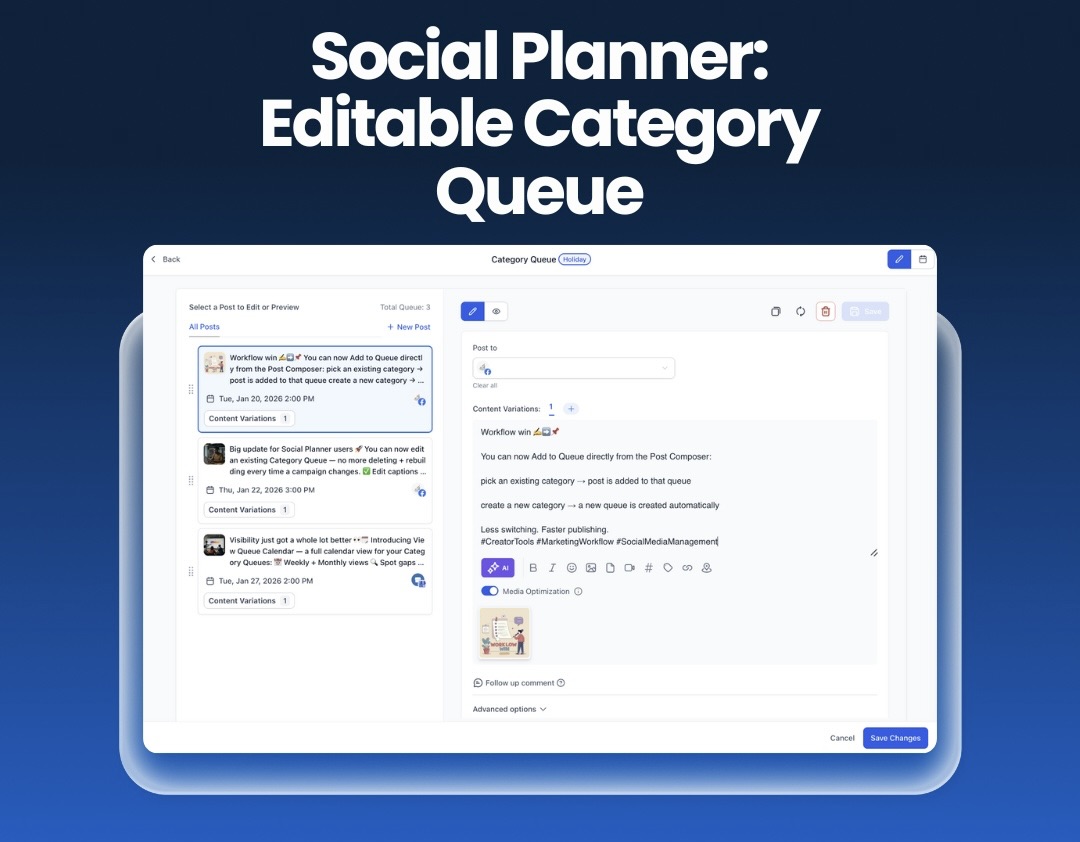
Social Planner: Editable Category Queues
You can now edit, reorder and reschedule social content queues without rebuilding them.
If you plan content in advance, this is a big quality-of-life improvement.
Plans change. Campaigns move. Priorities shift.
Instead of starting again, you can:
Adjust the queue
Move posts around
Reschedule with a couple of clicks
Your social schedule stays flexible instead of locked in.
What This Update Is Really About
None of these updates are flashy on their own.
They’re about:
Fewer mistakes
Faster follow-up
Cleaner data
More reliable automation
Less manual fixing
They make Brainbox easier to run day to day — especially as your business grows.
All updates are live in Brainbox now. More coming next week.
👉 Explore these updates in yourBrainbox dashboard, or start your free 30-day trial to see them in action.

