Brainbox New Features Of The Week - 30/6/26
Brainbox Weekly Updates: Smarter AI, Better Automation & More Control
Brainbox keeps getting better every single week.
This latest release introduces another collection of features designed to help you automate more, market smarter and save time across your business. From powerful AI improvements and smarter social media tools to better reporting and workflow automation, these updates make running your business even easier.
Here are this week’s biggest additions.
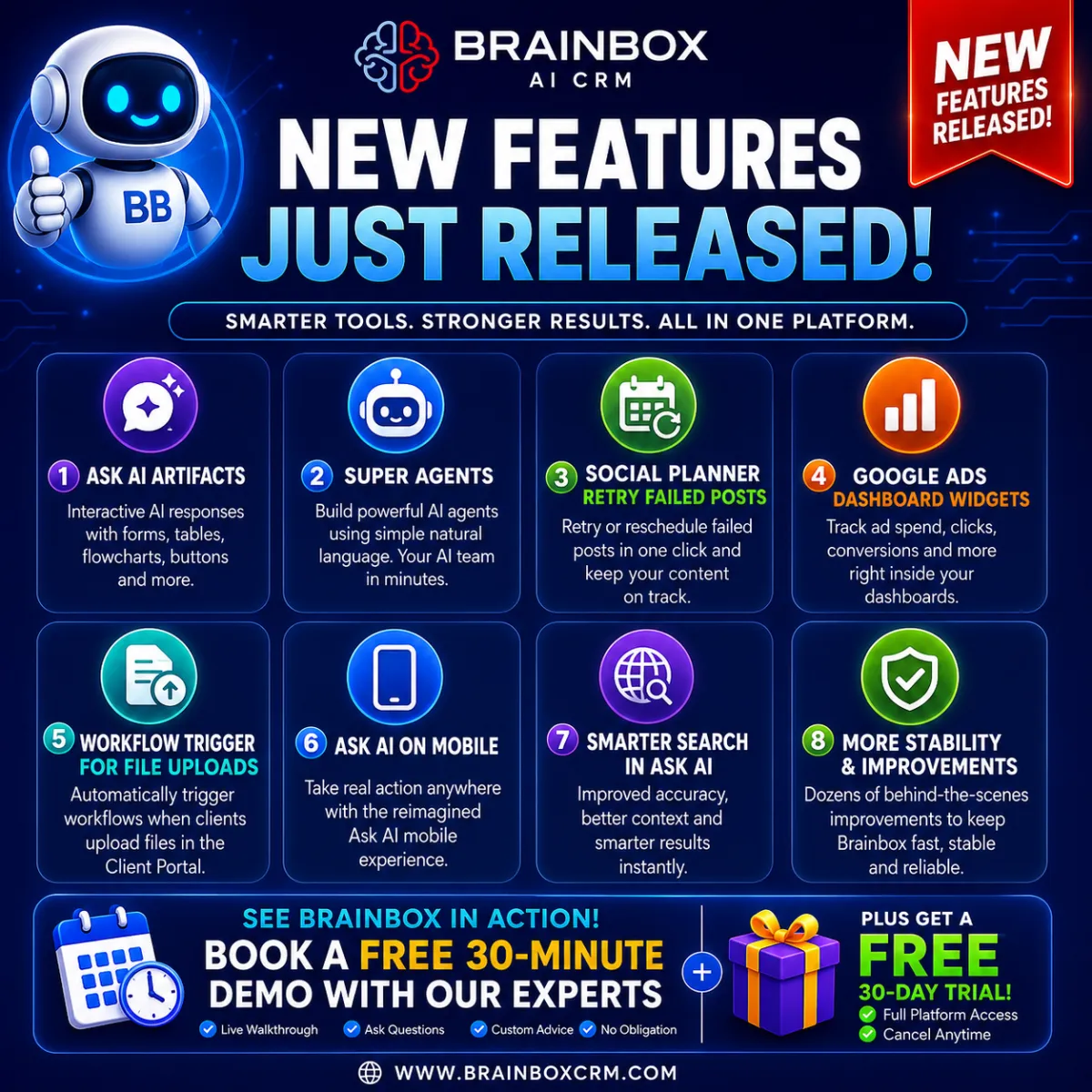
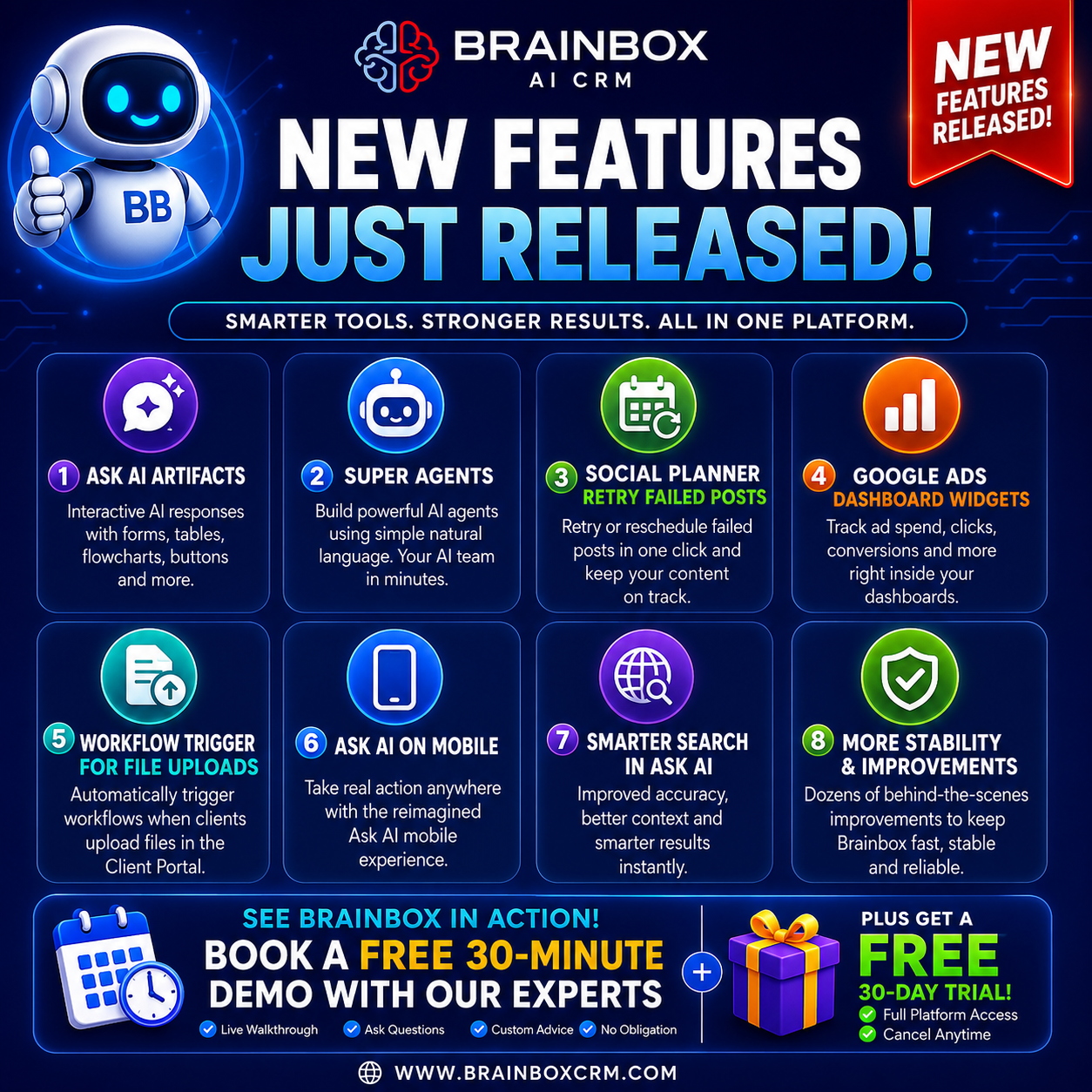
🤖 Ask AI Artifacts: Interactive AI Responses
Ask AI has taken a huge step forward.
Instead of returning simple text responses, Ask AI can now generate rich, interactive content directly inside the conversation.
That includes:
Interactive forms
Tables
Flowcharts
Decision trees
Action buttons
Visual diagrams
Structured reports
The result is AI that doesn’t just answer questions — it helps you complete tasks and make decisions much faster.
🚀 Super Agents
One of the biggest releases yet.
Super Agents allow you to create powerful AI assistants using simple natural language.
Instead of spending hours configuring prompts and workflows, simply describe what you want and Brainbox builds the AI agent for you.
Examples include:
Marketing Manager
Sales Assistant
Customer Support Agent
Social Media Manager
Lead Qualification Agent
Operations Assistant
Each agent can search the web, create content, analyse data, answer questions and automate work across your CRM.
This opens the door to having an entire AI team working alongside your business.
📱 Social Planner: Retry Failed Posts
No more losing scheduled content.
If a social post fails because of a temporary issue or expired connection, you can now retry or reschedule it directly from Social Planner.
Benefits include:
One-click retry
Easy rescheduling
Better visibility of failed posts
Less manual work
No need to recreate content
Perfect for agencies and businesses managing multiple social accounts.
📊 Google Ads Dashboard Widgets
Your Google Ads data is now available directly inside your dashboards.
Track important metrics including:
Ad spend
Clicks
Conversions
Campaign performance
Trends over time
This means less jumping between platforms and quicker reporting for both your team and your clients.
⚙️ Workflow Trigger for Client Portal File Uploads
Your automations just became even smarter.
You can now trigger workflows whenever a client uploads a document through the Client Portal.
Perfect for automating processes such as:
Contract reviews
Onboarding
Compliance documents
Proof of identity
Project submissions
Internal notifications
No manual monitoring required.
Why These Updates Matter
Every release is focused on helping businesses save time, reduce manual work and make better use of AI.
This week’s updates deliver:
✅ Smarter AI assistants
✅ Interactive AI responses
✅ Better social media management
✅ Improved Google Ads reporting
✅ More powerful workflow automation
Whether you’re running a small business, marketing agency or growing sales team, Brainbox continues to give you more ways to automate everyday tasks and grow your business.
Try Brainbox Free for 30 Days
If you’re still using multiple systems to manage your business, now is the perfect time to see what Brainbox can do.
You can also book a FREE 30-minute live demo with one of our Brainbox experts, who’ll walk you through the platform, answer your questions and show you how Brainbox can work for your business.
🚀 Start your FREE 30-day trial today or book your free demo at:
